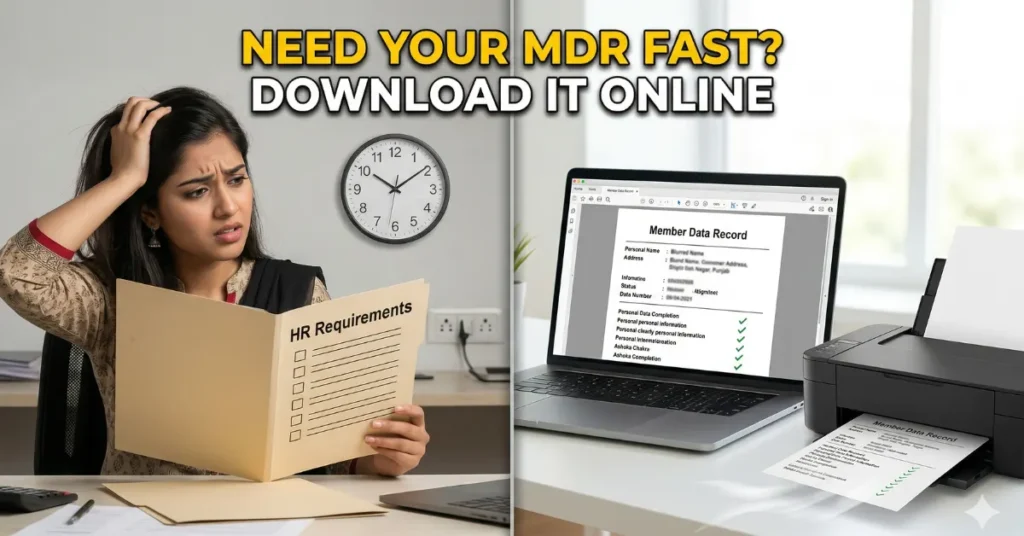
Starting a new job is an exciting milestone, but gathering the endless list of pre-employment requirements can quickly turn into a nightmare. One of the most strictly requested documents by any Human Resources department is your Member Data Record. If you are dreading the thought of waking up at dawn to spend hours in a crowded government office just to request a single piece of paper, you can stop worrying right now.
The government has modernized its systems, allowing you to easily access your PhilHealth MDR online without ever leaving your house. Here is the exact, hassle-free process to download and print your official document in just five minutes.
PhilHealth Benefits 2026: Complete Guide to Your Medical Coverage
Contents
Why Do You Need This Document?
Before diving into the steps, it is important to understand why your employer is demanding this specific paper. The Member Data Record is your official proof of membership with the Philippine Health Insurance Corporation. It contains your unique identification number, your updated demographic details, and a complete list of your declared legal dependents.
When your new employer enrolls you in their corporate healthcare system, they need this exact document to ensure your monthly premium contributions are credited to the correct account. Knowing how to access your PhilHealth MDR online saves you from employment delays and ensures your hospital benefits are ready whenever a medical emergency strikes.
Philippines Minimum Wage 2026: NCR & Provincial Rates
4 Steps to Download PhilHealth MDR 2026
You do not need to pay an illegal fixer or waste your transportation allowance to secure this document. Grab your smartphone or open your laptop and follow these four straightforward steps.
1. Register on the Member Portal
To access your personal records safely, you must first create an account on the official online portal. Go to the agency’s website and look for the “Online Services” section. Click on the “Member Portal” and select “Create Account.” You will need your 12-digit identification number, an active email address, and your mobile number. The system will guide you through setting up a secure password for your new digital dashboard.
2. Log In and Verify Your Details
Once your account is successfully activated, log in using your newly created credentials. The dashboard will display a summary of your personal information and your premium contribution history. Take a quick moment to verify if your name, date of birth, and listed dependents are accurate. If there are any discrepancies, you will eventually need to update your records, but you can still proceed to download your current document for now.
Wasting Hours at the BIR Office? 4 Steps to Generate Your Digital TIN ID Instantly
3. Generate Your PhilHealth MDR Online
Look at the menu options on the left side of your digital dashboard. You will see a specific button labeled “Print MDR.” Click on this option. The system will automatically generate a digital, high-resolution copy of your official Member Data Record in a PDF format. This downloaded file is the exact same legally binding document that you would receive if you lined up at a physical government branch.
4. Print and Submit to HR
Once the PDF file is securely downloaded to your computer or smartphone, you are completely done. You can print it on standard size paper and hand the physical copy to your HR department, or simply email the digital PDF file directly to them if your company allows paperless submissions.
Kasambahay Minimum Wage 2026: DOLE Rates & Benefits
Official Resource: To create your account and securely generate your document, strictly use the official Philippine Health Insurance Corporation portal at memberinquiry.philhealth.gov.ph.
Frequently Asked Questions (FAQs)
1. Is there a fee to download my PhilHealth MDR online?
No. Accessing the member portal and downloading your Member Data Record is a completely free public service. You do not need to pay any processing fees to generate this document.
2. Can I access the portal if I forgot my 12-digit identification number?
You need your unique identification number to register for the online portal. If you forgot it, you can check your old company IDs, ask your previous employer’s HR department, or call the official agency hotline for assistance in retrieving your number.
3. What should I do if the system shows an error when I try to create an account?
Account creation errors usually happen if your demographic details do not match the agency’s backend database. You will need to email their technical support team or visit a local branch with a filled-out Member Registration Form (PMRF) to update your details first.
4. Can I use the downloaded MDR to claim hospital deductions?
Yes. The printed digital copy is an official document. You can submit it to the hospital’s billing department alongside your properly filled-out claim forms to avail of your legal healthcare deductions during a medical confinement.
5. How can I add my newborn child to my digital MDR?
To add a new dependent to your record, you cannot simply edit the online portal. You must fill out a new PMRF, attach a clear copy of your child’s birth certificate, and submit it to your nearest branch or through their official corporate email channel.
Click Here to Learn More

John Michael Ramos is a Certified Financial Planner with over 12 years of experience in the automotive insurance and personal finance sectors. He has authored data-driven articles for leading financial publications. His goal is to simplify complex insurance jargon into easy-to-understand language.