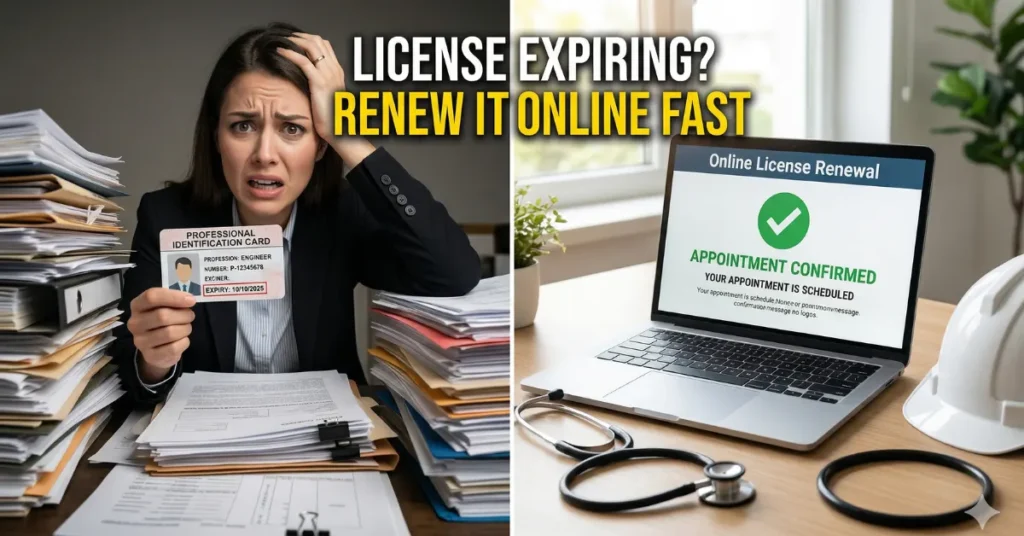
Realizing your Professional Identification Card (PIC) is about to expire can cause immediate panic. Whether you are a registered nurse, an engineer, a teacher, or a certified public accountant, an expired credential means you cannot legally practice your profession or sign official documents. If you are terrified of facing administrative penalties or losing your current job, you no longer need to waste an entire day standing in a crowded government office. You can now easily process your PRC License Renewal Online from the comfort of your home. Here is exactly how to navigate the digital system and secure your updated professional card without the unnecessary stress.
Dreading the LTO Renewal Process? 4 Steps to Get Your License in 15 Minutes
Understanding the CPD Unit Requirement (PRC License Renewal 2026)
Before you begin the digital process, you must gather your Continuing Professional Development (CPD) certificates. The government requires professionals to earn a specific number of CPD units through accredited seminars and training sessions before they can renew their licenses.
If you are short on units, do not panic just yet. The agency often issues temporary leniency periods or undertakings that allow professionals to renew their cards now and simply submit the lacking units during their next renewal cycle. Always check the official website for the latest memorandums regarding your specific profession’s CPD requirements.
Can’t Find a DFA Passport Appointment Slot? 4 Hacks to Secure Your Booking
4 Steps to Secure Your Updated Professional Card
The Professional Regulation Commission (PRC) has fully shifted its application processes to the Licensure Examination and Registration Information System (LERIS). To get your new card, follow these four simple steps on the portal.
1. Access Your LERIS Dashboard
To start your PRC License Renewal Online, you must log into your existing LERIS account. If you forgot your password, simply use the password recovery tool via your registered email address. Once logged in, ensure that your personal details, particularly your current employment data and contact information, are fully updated. You will also need to upload a recent, professional passport-sized photo with a white background and a nametag, as this will be printed on your new identification card.
2. Enter Your Earned CPD Points
Navigate to the “Select Transaction” menu and click on the “Renewal” tab. The system will prompt you to select your specific profession and enter your seven-digit license number. Next, you will be directed to the CPD unit declaration page. Carefully input the details of your attended seminars, including the title of the training, the accredited provider, the dates attended, and the exact number of units earned.
SSS Pension Suspended? 3 Easy Steps to Reactivate Your Monthly Payout
3. Choose Your Appointment and Settle the Fee
After successfully entering your CPD records, the portal will ask you to select your preferred PRC Regional Office or satellite branch where you want to claim your physical card. You will then select an available date and time slot from the digital calendar. Finally, the system will generate your assessment fee. You can pay this securely online using authorized digital wallets, online bank transfers, or over-the-counter payment centers.
4. Claim Your Printed Identification Card
Once your payment is confirmed, the system will generate a printable document called the Application for Professional Identification Card (PIC). Print this form and bring it with you on your scheduled appointment date, along with the original copies of your CPD certificates. Because you already paid and processed your PRC License Renewal Online, you will bypass the cashier and processing lines. You simply need to present your documents to the designated window and wait a few minutes for the officer to print and release your brand-new professional card.
Philippine Digital National ID 2026: Get Your ePhilID in 5 Minutes Without Waiting
Official Resource: To access your digital dashboard and set your appointment, exclusively use the official Professional Regulation Commission (PRC) LERIS portal at online.prc.gov.ph.
Frequently Asked Questions (FAQs)
1. How early can I process my PRC License Renewal Online?
You are highly encouraged to process your renewal up to ten (10) months before your actual birth month or the expiration date printed on your current professional identification card.
2. Is there a penalty if I renew my professional license after it expires?
Yes. If you fail to renew your card on or before your birth month, the agency will automatically impose a surcharge or penalty fee, which will be added to your standard renewal processing cost.
3. Can I ask someone else to claim my renewed PRC card for me?
Yes. If you are unavailable on your scheduled appointment date, you can send an authorized representative. They must present a formal Special Power of Attorney (SPA), your printed application form, and valid government-issued IDs for both you and the representative.
4. Does the PRC offer a door-to-door delivery service for renewed cards?
Yes, the agency has partnered with specific logistics providers in certain regions to offer a shipping option. During your online transaction, you can check if the delivery service is currently available for your selected region to completely avoid visiting the physical branch.
5. What should I do if I am an OFW and cannot attend local CPD seminars?
Overseas Filipino Workers (OFWs) are generally exempted from the strict CPD requirements for the duration of their overseas employment. You simply need to present your valid Overseas Employment Certificate (OEC) or a valid contract during the renewal process.
Click Here to Learn More

John Michael Ramos is a Certified Financial Planner with over 12 years of experience in the automotive insurance and personal finance sectors. He has authored data-driven articles for leading financial publications. His goal is to simplify complex insurance jargon into easy-to-understand language.